

Accessing Inspection Certificates Online
ICO Portal outage
Due to technical issues the Inspection Certificates Online (ICO) system is currently unavailable. We apologise for any inconvenience.
Inspection certificates online (ICO) can be accessed using:
- a personal computer (desktop or laptop)
- a mobile device (iOS or Android).
If you haven't previously enrolled in ICO, first follow the procedure for enrolling.
Using a personal computer
- Open an internet browser (Google Chrome, Internet Explorer, Microsoft Edge, or Safari) and go to https://ico.tmr.qld.gov.au.
- The ICO login page will open.
- If you have previously enrolled in ICO, enter your email address and password.
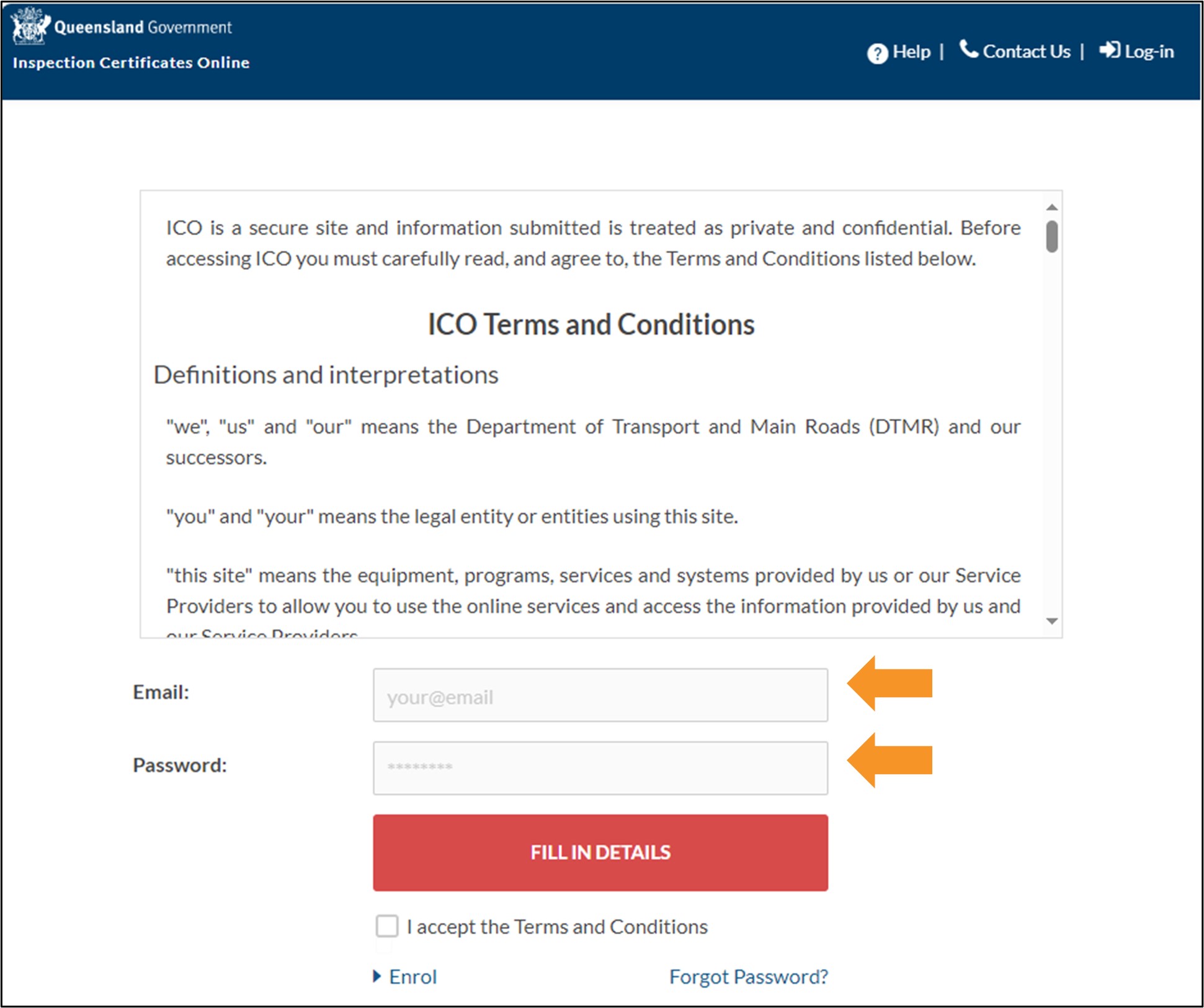
- Read the terms and conditions, and if you agree, click the checkbox to accept.
- Click the LOGIN button to go to the ICO Home screen.

Using an iOS (Apple) or Android device
- Open the App Store (Apple) or Google Play Store (Android) and search for 'QLD ICO'.
- Install and open the QLD ICO app and the ICO login page will appear.
- If you have previously enrolled in ICO, enter your email address and password.
- Last updated
- 11 November 2026
Contact us
If you experience any issues, contact the help desk between 8:30am and 4:30pm, Monday to Friday.
| Email: | [email protected] |
|---|---|
| Phone: | 07 3066 2482 |
| Post: |
ICO Administrator Department of Transport and Main Roads PO Box 673 FORTITUDE VALLEY QLD 4006 |