

Step 3 entering quarterly reports

Start and end dates in the Affiliated Drivers and Available Vehicles sections
There can be some confusion around start and end dates.
The Affiliated Drivers section includes fields for 'start date of affiliation' and ‘end date of affiliation’.
The Available Vehicles section includes fields for 'start date of availability' and ‘end date of availability’.
These dates are not the start and end dates of the reporting period.
The start date is the date the driver or vehicle first became affiliated with your business. In most cases, this will have happened before the reporting period start date. The start date should not change across reporting periods.
You don't need to include an end date in the column if a driver or vehicle:
- has been affiliated or available throughout the reporting period
- is affiliated or available on an ongoing basis.
You only need to include an end date if the driver or vehicle stops being affiliated during the reporting period.
Service licence number in the Available Vehicles section
You need to include the service licence number for each vehicle in the Available Vehicles section.
The licence number is different to the vehicle registration number. You can find it on the Taxi Service Licence, Limousine Licence or Booked Hire Service Licence (BHSL) for the vehicle.
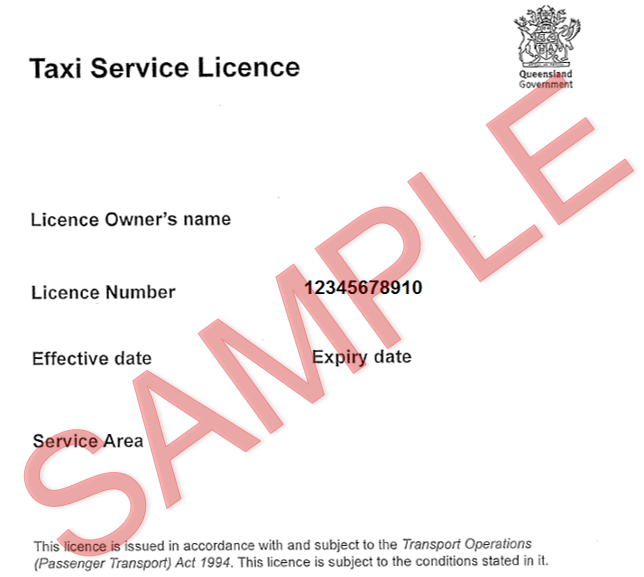
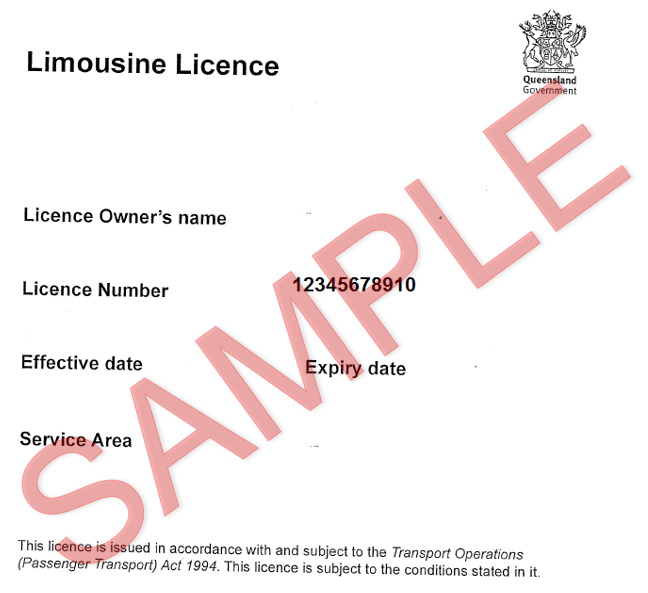
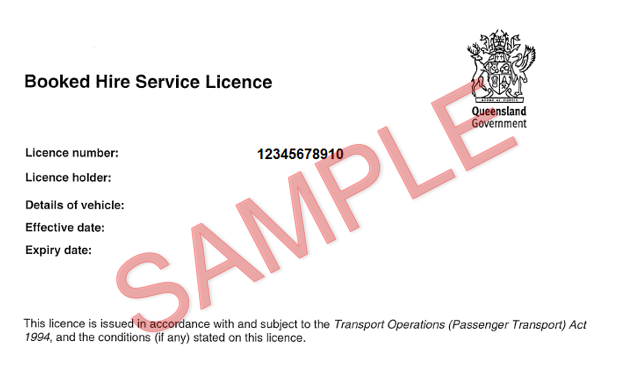
For substitute taxis (which do not have licence numbers), please leave the service license number blank.
What if I got a new Booked Hired Service Licence (BHSL)?
When a BHSL for a vehicle expires and a new BHSL is issued, the new BHSL will have a different number.
When a vehicle gets a new BHSL during a reporting period, the new BHSL number is the one that must be reported. You must also include the registration number for the vehicle and the original start date of its availability as a booked hire vehicle, which will not change because you have been issued with a new BHSL. You don't need to include the old BHSL number, and the start date of availability does not need to change.
How to fill out the Areas Where Trips Are Provided
Each quarter, BEA holders must report the taxi service areas where the trips they arrange are provided. This includes BEA holders that take bookings for taxis, limousines and booked hire service vehicles.
When reporting where trips start, you must include the:
- region
- taxi service area.
For example, if you select the South East Queensland region, you must also select Brisbane, or another relevant taxi service area.
If you select a region only, you will get a prompt to insert the relevant taxi service area from the drop down menu.
What is wait time and how do I report it?
All BEA holders need to report summary information about the wait times for the booked hire trips they've arranged. This includes BEA holders that take bookings for taxis, limousines and booked hire service vehicles.
Wait time is the time a passenger waits for a pre-booked vehicle to arrive.
If a passenger makes a booking for an immediate pickup, the wait time is the time between the booking being made and the trip starting.
If a booking is made in advance for a car to arrive at a specified time and date, the wait time is the difference between the booked time and the time the car arrives.
Where limousines are booked to arrive at a specified time and they arrive before this time, the wait time for the trip is zero.
If a limousine arrives for an airport pickup before the time it is booked to arrive, and the passenger’s plane is delayed, the wait time for the trip is zero.
Wait times for trips for passengers using wheelchair and Taxi Subsidy Scheme (TSS) members
If you arrange bookings for services provided using a taxi, you also need to report information about the wait times for trips provided to passengers using a wheelchair and members of the TSS.
What If I cannot access the BEAR solution for quarterly reporting?
Please access the F5319 – Booking Entity Authorisation Quarterly Reporting Template.
- Last updated
- 14 March 2026